



Case study
Digital Project Visibility
A connected project experience designed to improve visibility across teams, documentation, progress, and project information.
Concept example — an illustration of our approach, not a client project.
- Industry: Construction
- Project Type: Software Solutions
- Focus: Project Progress · Documentation · Team Visibility · Workflow
The project
One Shared View of Every Project.
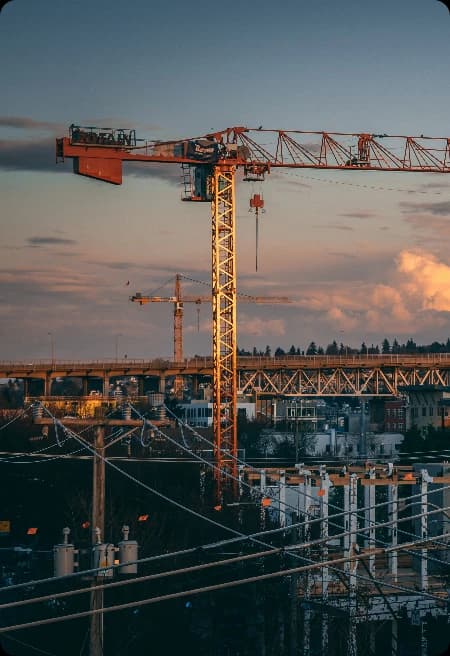
This concept shows how a construction business could give office and site teams one shared view of project progress and documents. It illustrates how we would approach the problem: give each project a single digital space for progress, drawings, and updates, and make it simple enough to use from a phone on site.
What We Worked On
- Project Workflow Mapping
- Project Workspace Design
- Document Management
- Progress Tracking
- Mobile Site Updates
- Team Notifications
- Portfolio Dashboard
The challenge
The Latest Status Was Hard to Find.
Project schedules, site updates, and documents are often shared by phone, email, and paper, so the latest status is hard to find when decisions need to be made.
- 01
Scattered Updates
Progress is shared through calls, messages, and emails, so no single place holds the full story.
- 02
Document Versions
Drawings and documents circulate in several versions, making it unclear which one is current.
- 03
Site and Office Gap
Site teams and office staff often work from different information at different times.
- 04
Limited Portfolio View
Leaders find it hard to see the status of several projects side by side.
Our approach
Give Every Project One Home.
We would design a shared project space around how site and office teams already communicate, then make it easy to keep current.
Understand
Review how progress, documents, and decisions move between site and office today.
Organize
Structure each project around phases, documents, updates, and responsibilities.
Design
Create simple, mobile-friendly screens that work on site as well as at a desk.
Enable
Add notifications and a portfolio view so the right people see changes as they happen.
The solution
Progress, Documents, and Updates Together.
The concept gives each project a shared space for progress, documents, and updates, so teams on site and in the office work from the same information.
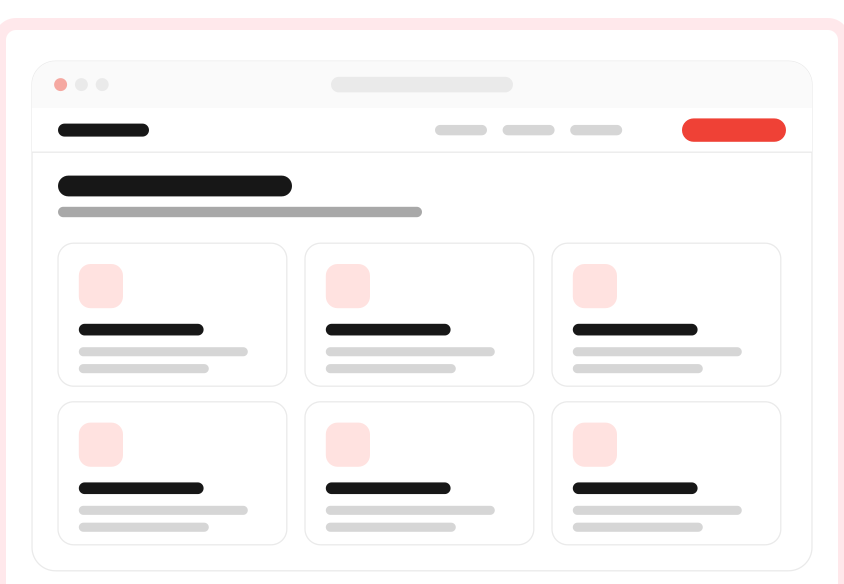
Solution 01 – Project workspace
Shared Project Space
Each project has one workspace for its phases, progress updates, and key decisions.
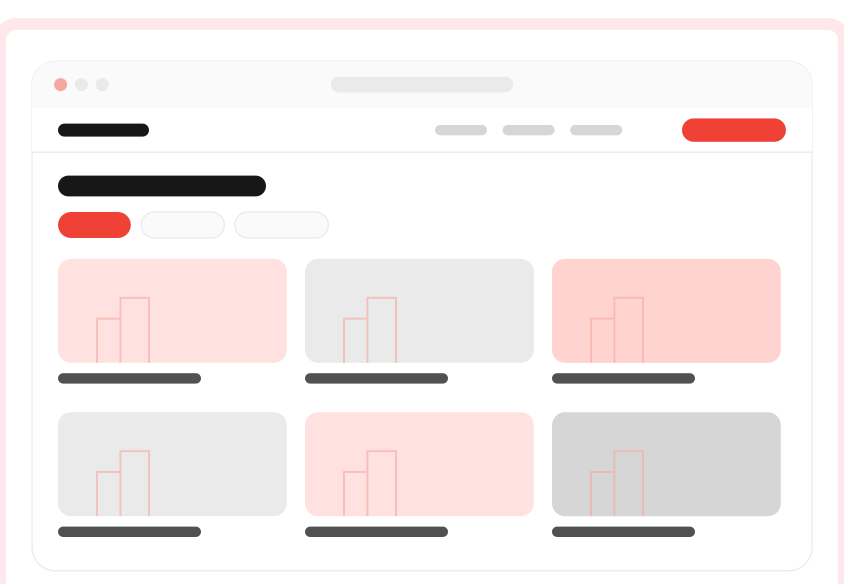
Solution 02 – Document library
Current Documents
A versioned document library makes it clear which drawing or file is the latest one.
Solution 03 – Progress dashboard
Progress Visibility
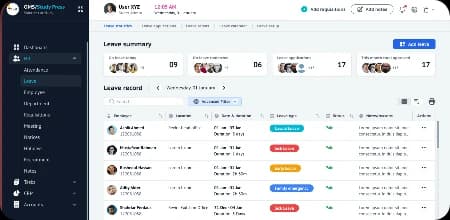
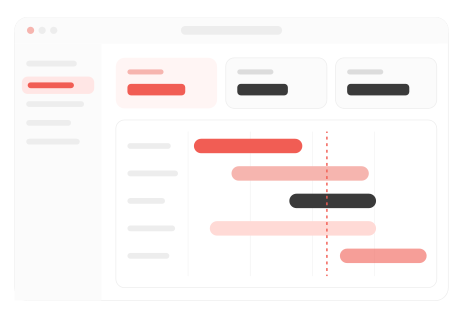
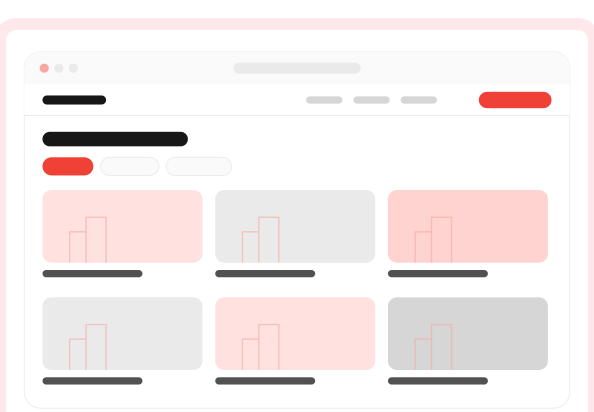
Site updates with photos feed a dashboard that shows status across projects for office and leadership.
Solution 04 – Site updates
Mobile Site Updates
Site teams post progress, photos, and issues from a phone, and the right people are notified straight away.
Design highlights
Built for Site and Office Alike.
The concept is designed to be practical in the field and clear in the office, so both sides stay aligned.
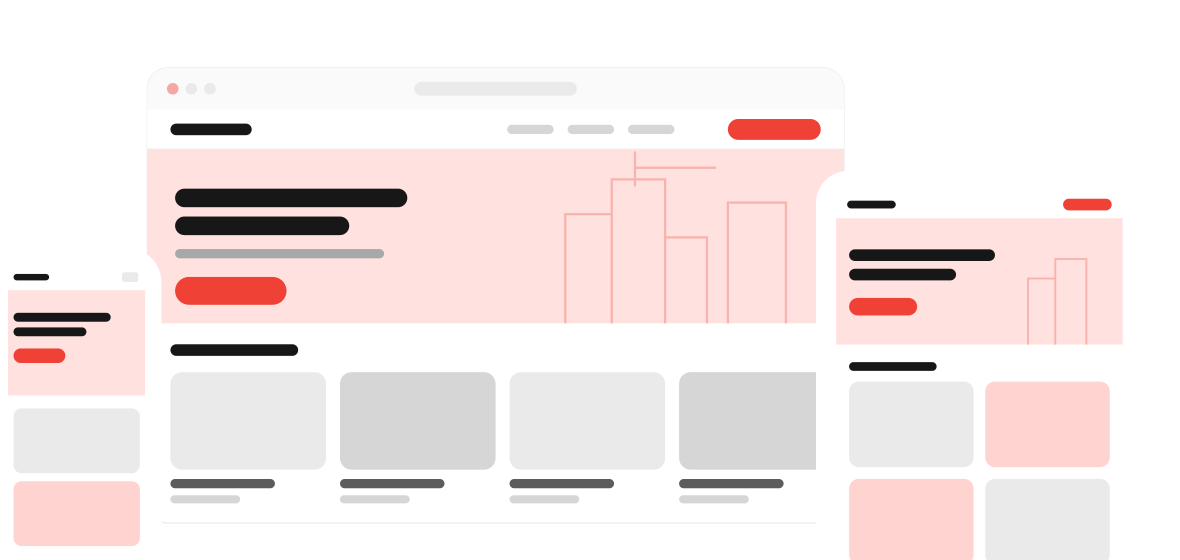
Mobile-First Updates
Site teams can post progress and photos from a phone in a few simple steps.
Clear Version Control
Documents show their current version, reducing the risk of working from old drawings.
Timely Notifications
The right people are notified when progress, documents, or decisions change.
Portfolio Overview
Leaders can compare the status of several projects from one view.
Behind the experience
Easy to Set Up for Every New Project.
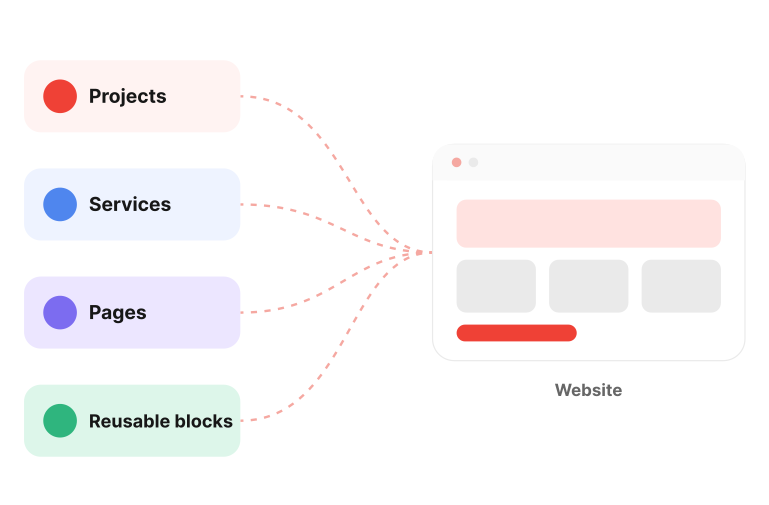
The concept lets the office team set up and maintain projects themselves, so each new job starts from a clear structure.
CMS Capabilities
- Creating new projects
- Setting phases and milestones
- Uploading and versioning documents
- Assigning team members
- Managing notification rules
- Archiving completed projects
Search & structure
Organized So the Latest Is Easy to Find.
A consistent structure for projects, phases, and documents is designed to make current information quick to find for every team.
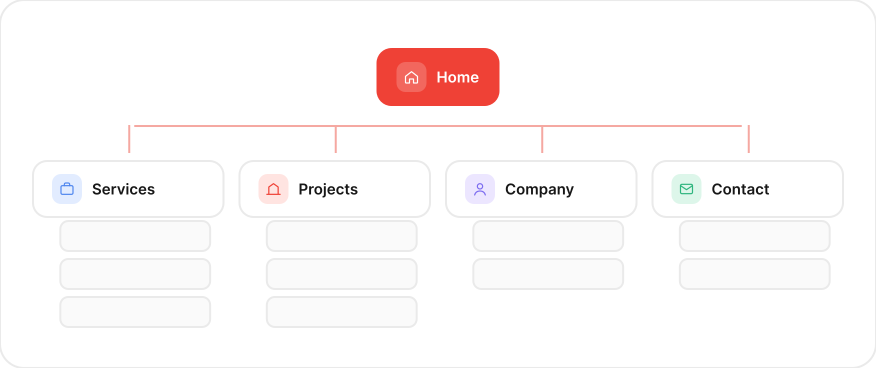
- 01Consistent project structure
- 02Clear phase and milestone naming
- 03Searchable documents
- 04Version history on every file
- 05Filters by project and status
- 06Shared portfolio view
The outcome
Shared Information, Better Decisions.
The concept is designed to keep site and office teams working from the same, current project information, and aims to make progress and documentation easier to follow across every project.
- One place for project information
- Clearer project progress
- Current documents for every team
- Better site and office alignment
- Easier portfolio oversight
- A more consistent workflow
Project summary
What We Delivered
A concise overview of the project scope, industry, and capabilities that shaped this concept’s digital experience.
Client
- Concept example
Industry
- Construction
Project Type
- Software Solutions
Capabilities
- Workflow Design
- UX and UI Design
- Document Management
- Mobile Experience
- Notifications
- Dashboard Design
- Cloud Infrastructure


Let’s build what’s next
Ready to Build a Smarter Future for Your Business?
Whether you’re launching a new product, modernizing systems, automating operations, or exploring AI, Vertex can help turn your next idea into a practical, scalable solution.